
Guides 7 min read
How to Unfollow Non-Followers on Twitter (X): A Safe Bulk Unfollow Guide
Find accounts that don't follow back or have gone quiet, see who unfollowed you, review the list and unfollow at a safe pace.
Read
GrowX Cleanup scans everyone you follow, finds accounts that do not follow you back or have stopped posting, and lets you review and select before it unfollows anyone. Each account is re-checked right before the unfollow, at a pace built to look human.
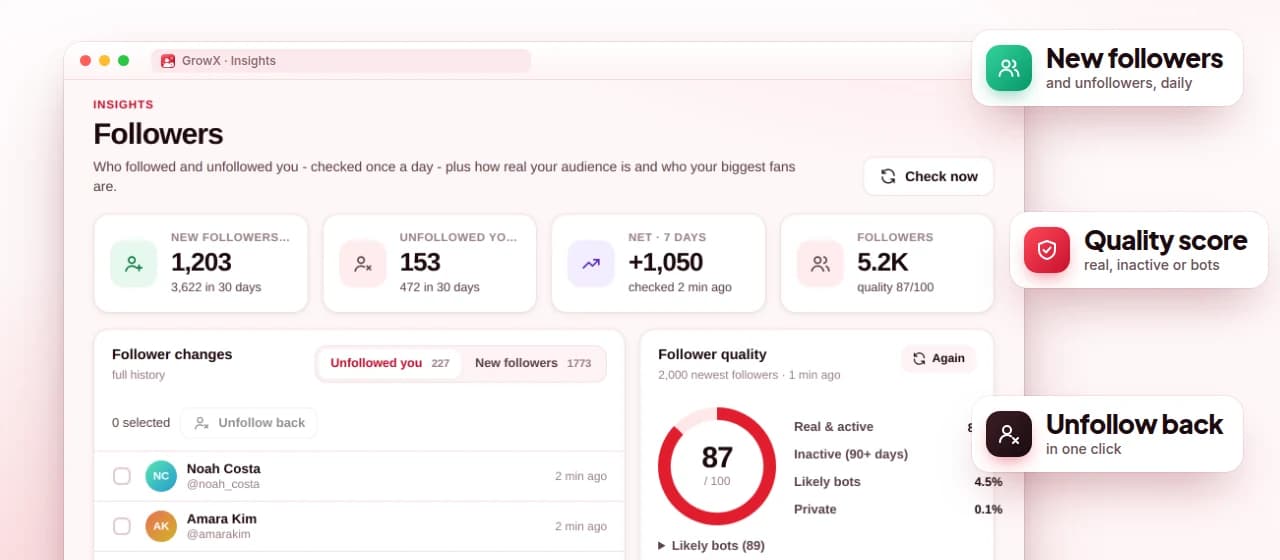
Screenshot shows demo data.
See every account you follow that does not follow you back, with filters, search and sorting.
Find accounts whose latest post is older than 30, 90, 180 or 365 days. Unknown activity is never labelled inactive.
Nothing is unfollowed until you select it, and each account is re-checked right before the unfollow.
Up to 30 unfollows an hour and 200 a day, with up to 200 accounts per run on the free plan.
Select all and unfollow up to 5,000 accounts in one run, with a Balanced pace of 45 an hour and 320 a day.
Unfollows GrowX's own follows that did not follow back after 2, 5 or 7 days. Accounts you followed yourself are never touched.
Open Cleanup and scan your following and followers. GrowX reads both lists from your signed-in x.com session.
Filter by not following back or inactive, search and sort, then select the accounts you want to unfollow.
Start the run. GrowX re-checks each account, unfollows one at a time and stays within the hourly and daily caps.
GrowX scans the accounts you follow and your followers, then sorts the result into two groups. Not following back is everyone you follow who does not follow you. Inactive is everyone whose latest post is older than the window you choose: 30, 90, 180 or 365 days. You can combine filters, search by name and sort the list before selecting anyone.
The scan is careful about what it does not know. If GrowX cannot see an account's activity, the account is listed as unknown and is never called inactive. If a scan is interrupted and only part of your list was read, the results are marked "unverified" and select-all is switched off, so you cannot bulk unfollow based on incomplete data.
Unfollowing hundreds of accounts in a few minutes looks nothing like a person using X. GrowX unfollows one account at a time instead. On the free Safe pace it does up to 30 an hour and 200 a day, and the free plan handles up to 200 accounts per run. Right before each unfollow it checks the account again, so the decision is based on its current state rather than an old scan.
Premium adds bulk unfollow, which lets you select all and unfollow up to 5,000 accounts in one run, and a Balanced unfollow pace of 45 an hour and 320 a day. A big run simply takes several days, because the caps stay in place. No tool can promise zero risk on X, so start with Safe and move up only if everything stays quiet.
If you use the auto follow autopilot, your following count grows quickly. Automatic cleanup keeps it in balance: it unfollows accounts GrowX followed for you that did not follow back after 2, 5 or 7 days, whichever you choose. It only runs during autopilot breaks, waits 40 to 90 seconds between unfollows and stays within the same caps of 30 an hour and 200 a day.
It never touches accounts you followed yourself or accounts you imported, so your hand-picked follows stay put. That separation matters: the people you chose to follow are not part of a numbers game, and cleanup should only reverse what automation did. Read how to unfollow non-followers for when to clean up and how often.
Unfollowing by hand means opening your following list, checking each profile and trying to remember who followed you back. It is slow, and it is easy to unfollow someone you meant to keep. A scan shows the whole picture at once, and the review step means GrowX only unfollows the accounts you selected, nothing more.
GrowX also keeps the work in your own browser. It uses the x.com session you are already signed in to, never asks for your X password and does not post, like or send DMs while cleaning up. To see who unfollowed you rather than who you follow, use the unfollower tracker.
Every Premium feature is included in the free 30-day trial. No credit card.
Run a cleanup scan in GrowX, filter by not following back, review the list and start the run. GrowX unfollows the selected accounts one at a time at a safe pace.
X does not publish a fixed number and its limits can change. GrowX's Safe pace stops at 30 an hour and 200 a day, and the Premium Balanced pace at 45 an hour and 320 a day.
Yes, up to 200 accounts per run at the Safe pace. Premium adds select-all bulk unfollow of up to 5,000 accounts per run.
Choose the inactive filter and a window of 30, 90, 180 or 365 days. Accounts whose activity GrowX could not see are marked unknown, not inactive.
No. Automatic cleanup (Premium) only unfollows accounts GrowX followed for you that did not follow back, never accounts you followed yourself or imported.
Find accounts that don't follow back or have gone quiet, see who unfollowed you, review the list and unfollow at a safe pace.
Your follower ratio is a quick credibility signal, and it decides how far past 5,000 you can follow. Here is how to read it and how to improve it without tricks.
F4F can grow a follower count fast, but those followers rarely read you. Here is an honest look at follow for follow on X, and how to aim for people who will.
A deep dive into the follow-back score and smart score, sources, every targeting filter, Insights analytics and the Cleanup tools for unfollowing inactive and non-following accounts.
What really happens when you mass follow on X, why limits exist and how to stay inside them.
X doesn't call it a shadowban, but it does limit the visibility of some accounts and posts. Here is how to tell, what usually causes it and what to do about it.
Install GrowX for free and create your account in under a minute. Try every Premium feature for 30 days: no credit card, no commitment.